How to Run LLMs Locally in 2026: Ollama, LM Studio, and llama.cpp Step by Step
The fastest way to run LLMs locally in 2026 is Ollama: install it, run ollama run qwen3:8b, and you have a private, free AI model answering in your terminal — with an OpenAI-compatible API on localhost for your code. A modern laptop with 16 GB of RAM comfortably runs 8B-class models like Qwen 3 or Llama 4 Scout, and an 8 GB GPU (or any Apple Silicon Mac) makes them fast.
Why bother when cloud APIs exist? Three reasons that got stronger this year: privacy (your data never leaves the machine), cost (zero per-token fees for unlimited experimentation), and control (no rate limits, no deprecations, no terms-of-service changes).
This is a practical guide: which tool to pick, what hardware you actually need, which models are worth downloading in 2026, and the exact commands to go from nothing to a local API your apps can call.
Key Takeaways
- Ollama is the default choice: one command to run a model, OpenAI-compatible REST API built in, automatic GPU offloading.
- LM Studio is the GUI alternative — visual model browser, one-click Hugging Face downloads, local server on port 1234.
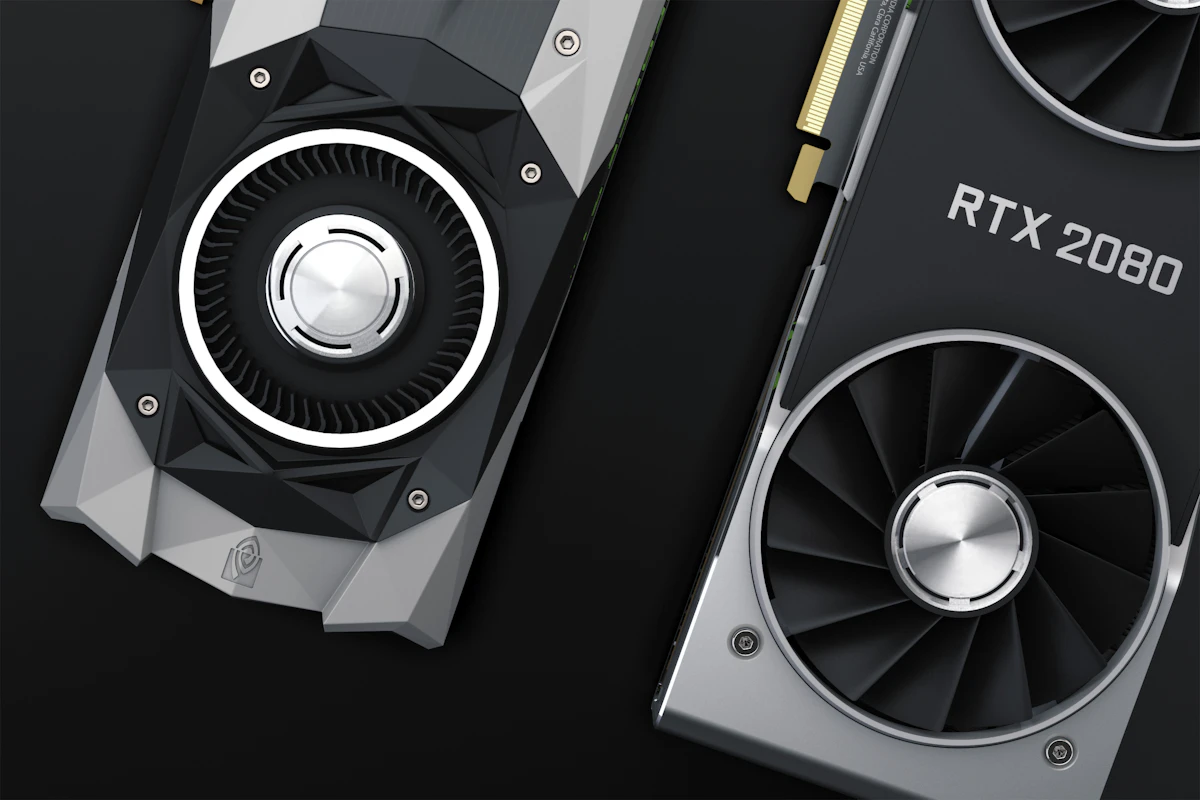
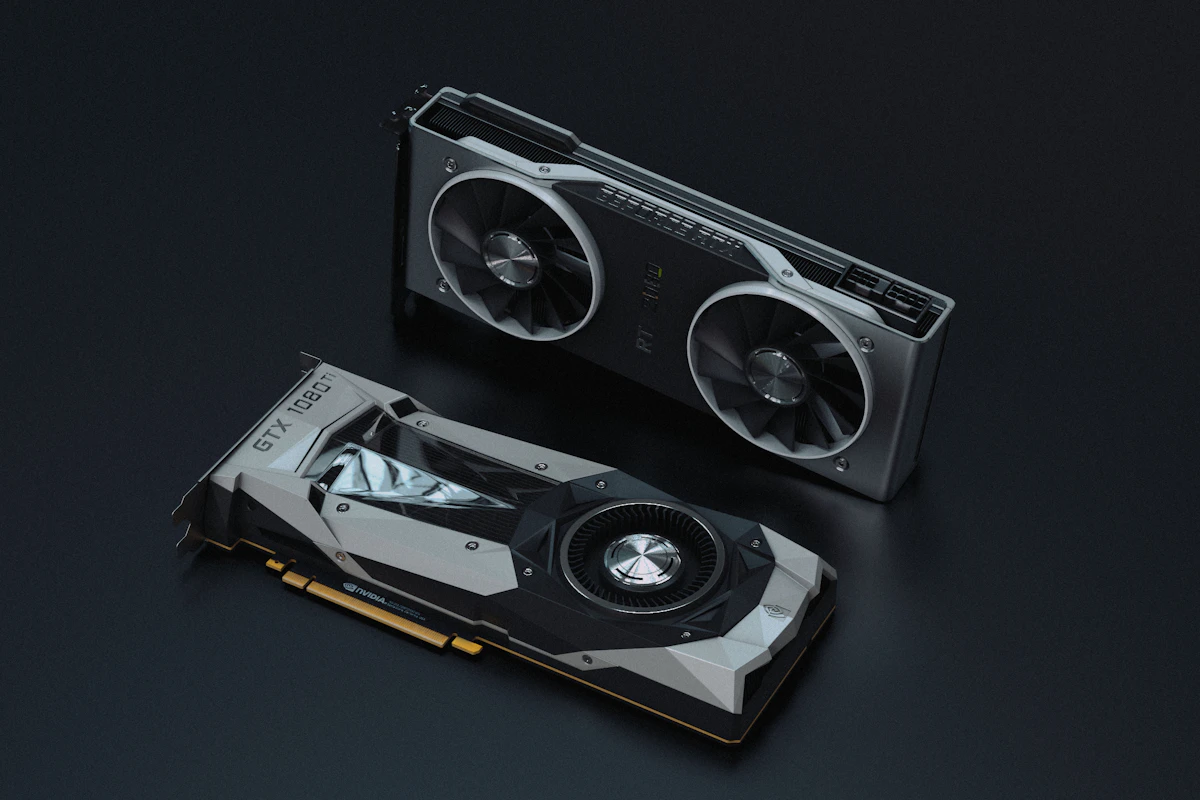
- Hardware floor: 16 GB RAM for 1–8B models at Q4_K_M quantization; 8 GB VRAM makes 7B models fast; Apple Silicon's unified memory is excellent.
- Best small models in 2026: Qwen 3 8B (multilingual + reasoning), Gemma 3 4B (punches above its size), Llama 4 Scout (strong general 8B tier).
- Q4_K_M quantization is the sweet spot — near-full quality at a quarter of the memory.
Step 1: Pick Your Tool — Ollama, LM Studio, or llama.cpp
All three run the same underlying GGUF models; they differ in interface and control. Per daily.dev's local LLM guide and SitePoint's 2026 developer guide:
| Tool | Interface | Best for |
|---|---|---|
| Ollama | CLI + REST API | Developers; servers; scripting; the default choice |
| LM Studio | Desktop GUI | Exploring models visually; comparing outputs; tuning parameters without config files |
| llama.cpp | C++ binary / library | Maximum control and performance; embedding inference in your own software |
Ollama wraps llama.cpp with single-command model management: it handles downloading, quantization selection, and GPU offloading automatically, and exposes an OpenAI-compatible API out of the box. LM Studio offers a visual model browser with one-click downloads from Hugging Face, a built-in chat UI, and a local server mode (port 1234, also OpenAI-compatible). llama.cpp is the high-performance engine both are built on — drop to it when you need custom builds or fine-grained control.
Recommendation: start with Ollama; add LM Studio if you want a GUI for model exploration.
Step 2: Check Your Hardware (It Needs Less Than You Think)
The hardware conversation changed in 2026 — small models got dramatically better, so useful local AI no longer requires a workstation. From TCAL's hardware guide and Fungies' 2026 guide:
- Minimum: a modern laptop with 16 GB RAM runs 1–8B models at Q4_K_M comfortably (CPU-only works; it's just slower).
- Comfortable: a GPU with 8 GB VRAM runs 7–8B models fast.
- Apple Silicon: genuinely excellent — unified memory means your "VRAM" is your system RAM, so a 32 GB MacBook runs models a 32 GB PC with an 8 GB GPU can't.
- GPU support ranking: NVIDIA/CUDA is best-supported everywhere; AMD via ROCm now works well in llama.cpp and Ollama on Linux; Apple Metal is first-class.
Quantization is what makes this possible. Models ship in compressed formats: Q4_K_M (4-bit) is the best size/quality balance for most uses; Q5_K_M buys slightly higher quality for ~20% more memory; Q8_0 is near-full precision when memory is abundant. Rule of thumb: model size at Q4 ≈ 60% of parameter count in GB — an 8B model needs roughly 5 GB.

Step 3: Install Ollama and Run Your First Model
The whole setup is three commands:
# Install (macOS/Linux; Windows has an installer at ollama.com)
curl -fsSL https://ollama.com/install.sh | sh

# Pull and chat with a model
ollama run qwen3:8b

# That's it — you're chatting with a local LLM
Which model to pull? The 2026 small-model tier list, per SitePoint's complete guide:
- Qwen 3 8B (Alibaba) — the all-rounder: excellent multilingual support and reasoning for its size.
- Gemma 3 4B (Google) — the efficiency king: matches several 7B-class models on benchmarks like MMLU while fitting in half the memory. Ideal for 8–16 GB machines.
- Llama 4 Scout (Meta) — strong general performance in the 8B tier with Meta's ecosystem behind it.
Useful management commands:
ollama list          # installed models
ollama ps            # currently loaded models
ollama pull gemma3:4b
ollama rm <model>    # free disk space
Step 4: Use the Local API in Your Code
Every tool here speaks the OpenAI API dialect, so existing code often needs only a base-URL change. Ollama serves on localhost:11434:
from openai import OpenAI

client = OpenAI(base_url="http://localhost:11434/v1", api_key="ollama")

resp = client.chat.completions.create(
    model="qwen3:8b",
    messages=[{"role": "user", "content": "Explain WAL in Postgres in 3 sentences."}],
)
print(resp.choices[0].message.content)
LM Studio works identically on localhost:1234. This compatibility means local models slot into any framework or tool built for OpenAI's API — including agent stacks and MCP-based integrations, which is how local models are increasingly wired into real workflows.
For high-throughput serving (many parallel requests), graduate from Ollama to vLLM — it's the production-grade server in this space, per Fungies' comparison. For a single developer's machine, Ollama is plenty.
Step 5: Know What Local Models Can and Can't Do
Set expectations correctly and local LLMs are a superpower; set them wrong and you'll be disappointed.
Local 4–8B models excel at: summarization, Q&A over provided text, classification, extraction, draft writing, code explanation, autocomplete-style assistance, and anything privacy-sensitive — meeting notes, contracts, medical text, proprietary code.
They still lag frontier cloud models at: long multi-step reasoning, large-codebase agentic work, and broad factual recall. The gap is architectural — techniques like the sparse attention behind DeepSeek V4's million-token context show how fast efficiency is improving, but frontier capability still lives in the cloud. That's why the practical 2026 pattern is hybrid: local models for private, high-volume, low-stakes work; cloud APIs for the hard problems. The same logic applies to coding — local autocomplete plus a frontier model for complex changes, as we cover in our AI coding assistant comparison.
FAQ
What is the easiest way to run an LLM locally?
Install Ollama and run ollama run qwen3:8b — that single command downloads the model and starts a chat session. Ollama handles quantization selection and GPU offloading automatically and exposes an OpenAI-compatible API on localhost:11434 for your applications.
What hardware do I need to run LLMs locally? A modern laptop with 16 GB of RAM runs 1–8B parameter models at Q4_K_M quantization comfortably. A GPU with 8 GB of VRAM makes 7B models fast, and Apple Silicon Macs are excellent because unified memory lets the model use all system RAM.
What is the best local LLM in 2026? For most machines: Qwen 3 8B for the best overall capability, Gemma 3 4B for smaller hardware (it matches several 7B models on MMLU), and Llama 4 Scout for a strong Meta-backed 8B option. Bigger machines can step up to larger quantized variants.
Is Ollama or LM Studio better? Ollama is better for developers — CLI-first, scriptable, with a built-in API server. LM Studio is better for visual exploration: browsing Hugging Face models, one-click downloads, and tweaking inference parameters in a GUI. Many people use both; they run the same GGUF models.
Are local LLMs really free and private? Yes. The models are open-weight, the tools (Ollama, llama.cpp) are open source, and inference happens entirely on your hardware — no per-token fees, no rate limits, and no data leaving your machine. Your only costs are hardware and electricity.
The Bottom Line
Running LLMs locally crossed the "worth it" threshold in 2026: three commands, hardware you already own, and small models good enough for a real share of daily AI work. The winning setup for most developers is Ollama + Qwen 3 8B (or Gemma 3 4B on lighter hardware), speaking the OpenAI API to your existing code — with cloud frontier models reserved for the tasks that genuinely need them.
The strategic reason to start now goes beyond saving API fees: local-first AI is insurance. Providers change prices, deprecate models, and rewrite terms — the model on your SSD does none of those things. Pull a model tonight and find out how much of your AI usage never needed the cloud at all.